Less admin so you focus on meaningful action and decisions
You see what needs attention and act with confidence while the system handles the rest.
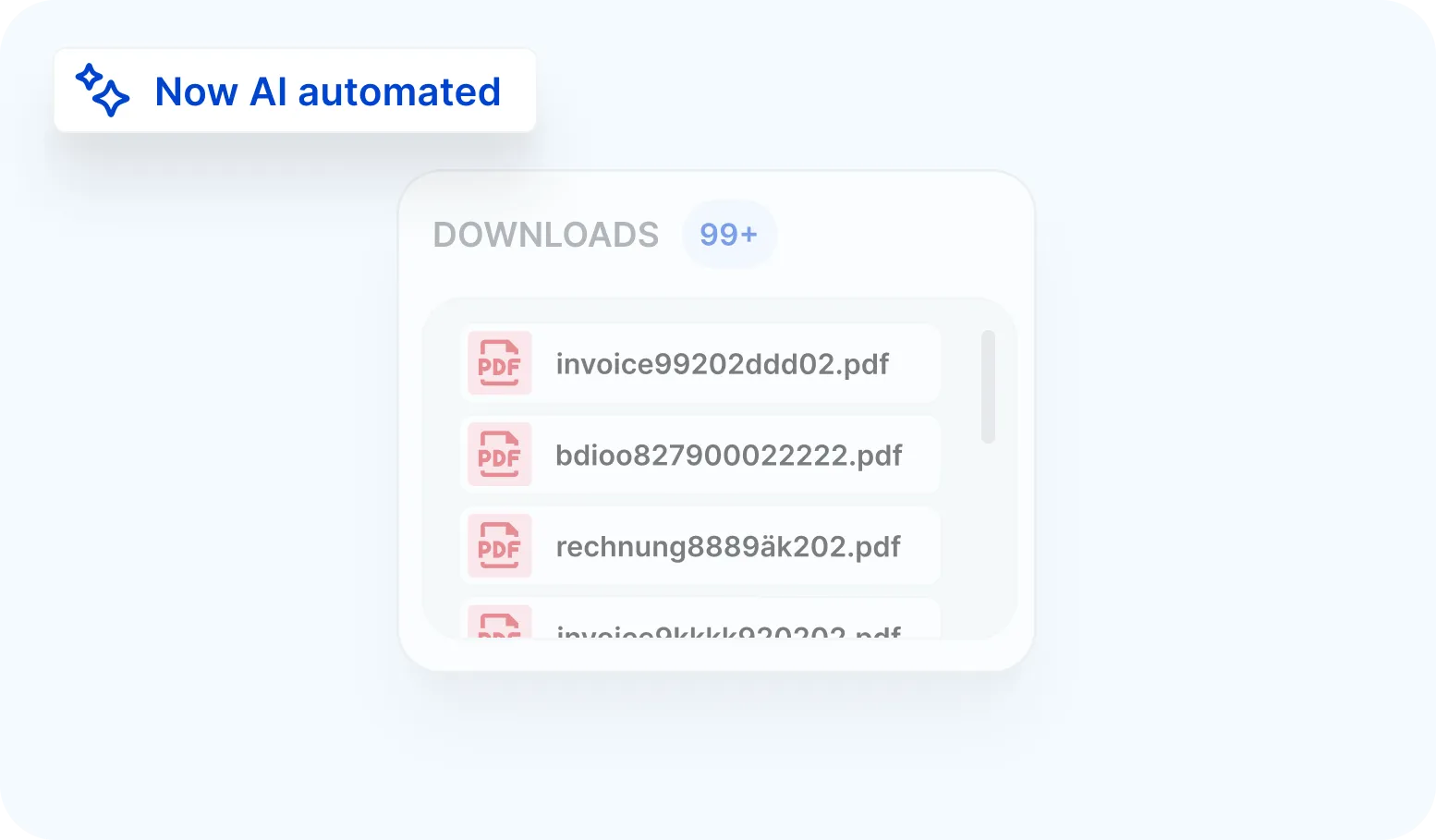
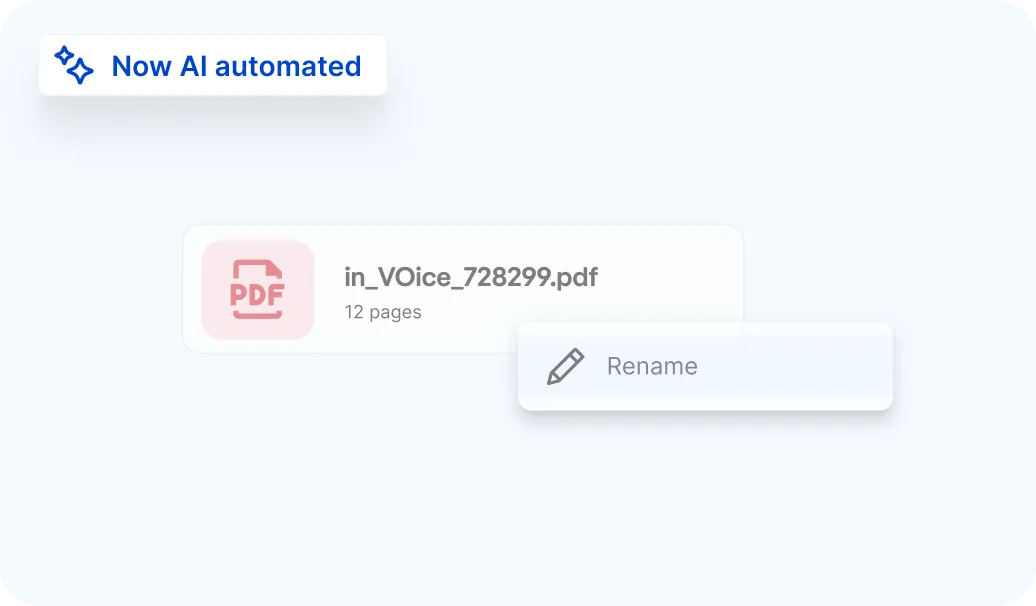
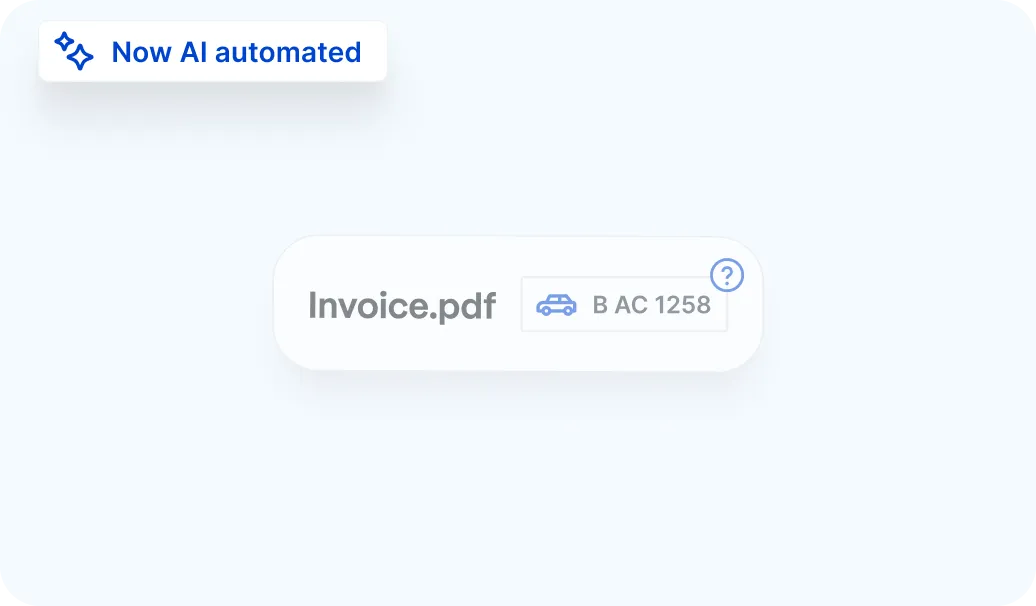

Invoices, fines, contracts and damage reports automatically land in the right place. Sorted, linked, named and ready for action.
Avrios makes document management simple:
All your fleet documents, including fines, invoices, contracts and damage reports, are automatically categorised and linked to the right vehicle, driver or case.

All fleet documents stored in one structured, searchable and audit ready clear overview.

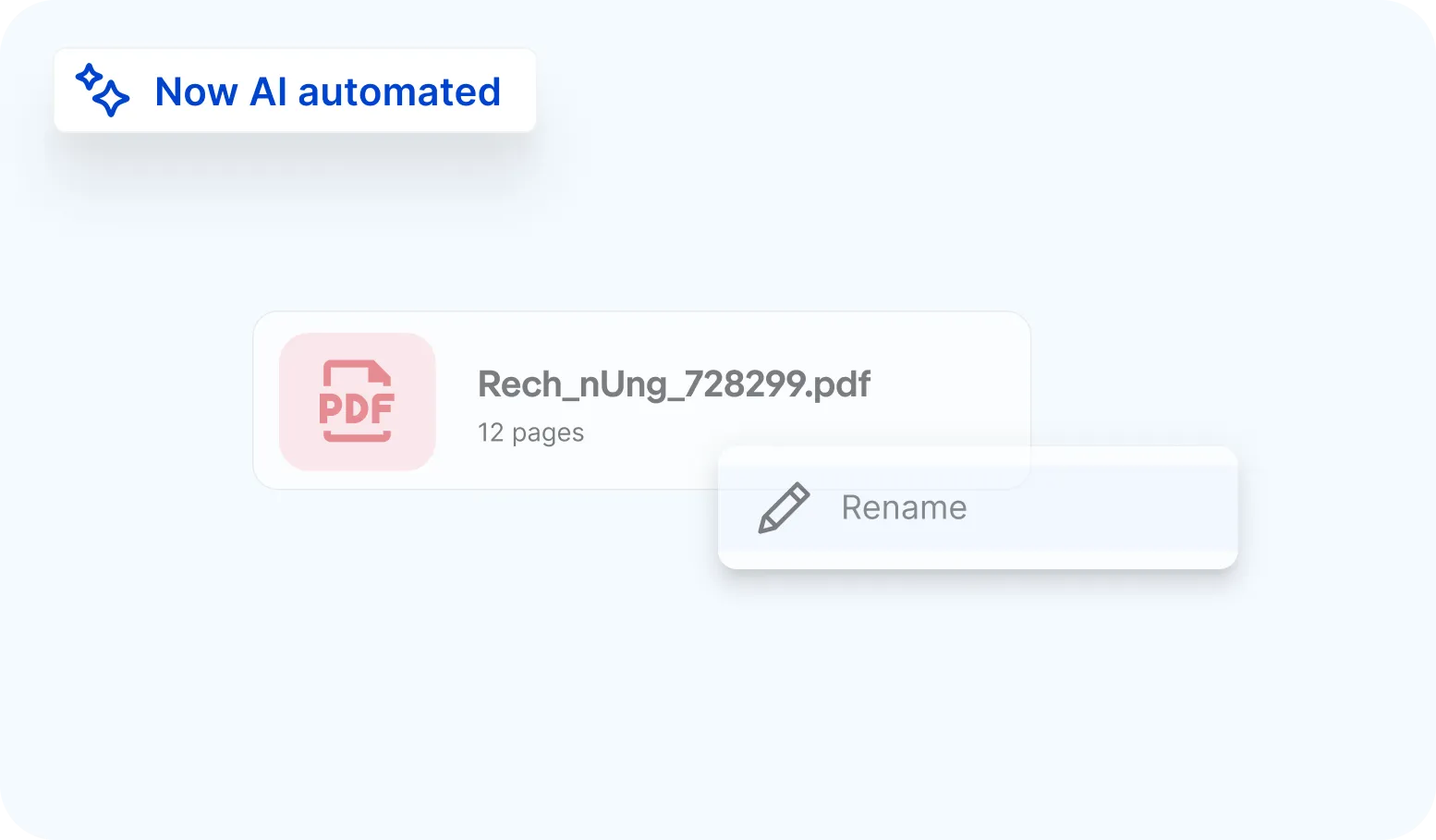
Documents are automatically named, categorised, assigned and archived, ready for review in seconds.

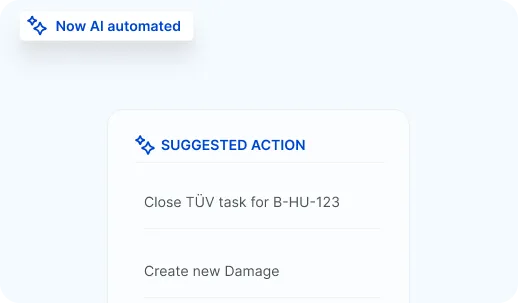
AI suggests relevant next actions and triggers workflows, helping you stay efficient and focused.

Review, adjust or approve AI suggestions at any time. Automation works according to your rules.
You see what needs attention and act with confidence while the system handles the rest.
A simple, automated flow that turns incoming documents into organised records and ready next steps.
1
Documents are sent directly to the inbox via email, upload, or app.
2
AI recognizes the document type and assigns it accordingly.
3
Relevant vehicles, drivers, or processes are automatically detected.
4
Documents are automatically named and stored in the correct folder.
5
Avrios suggests the next steps and can execute them automatically if desired.
With Avrios, fleet documents move from email or upload to structured fleet records in seconds.
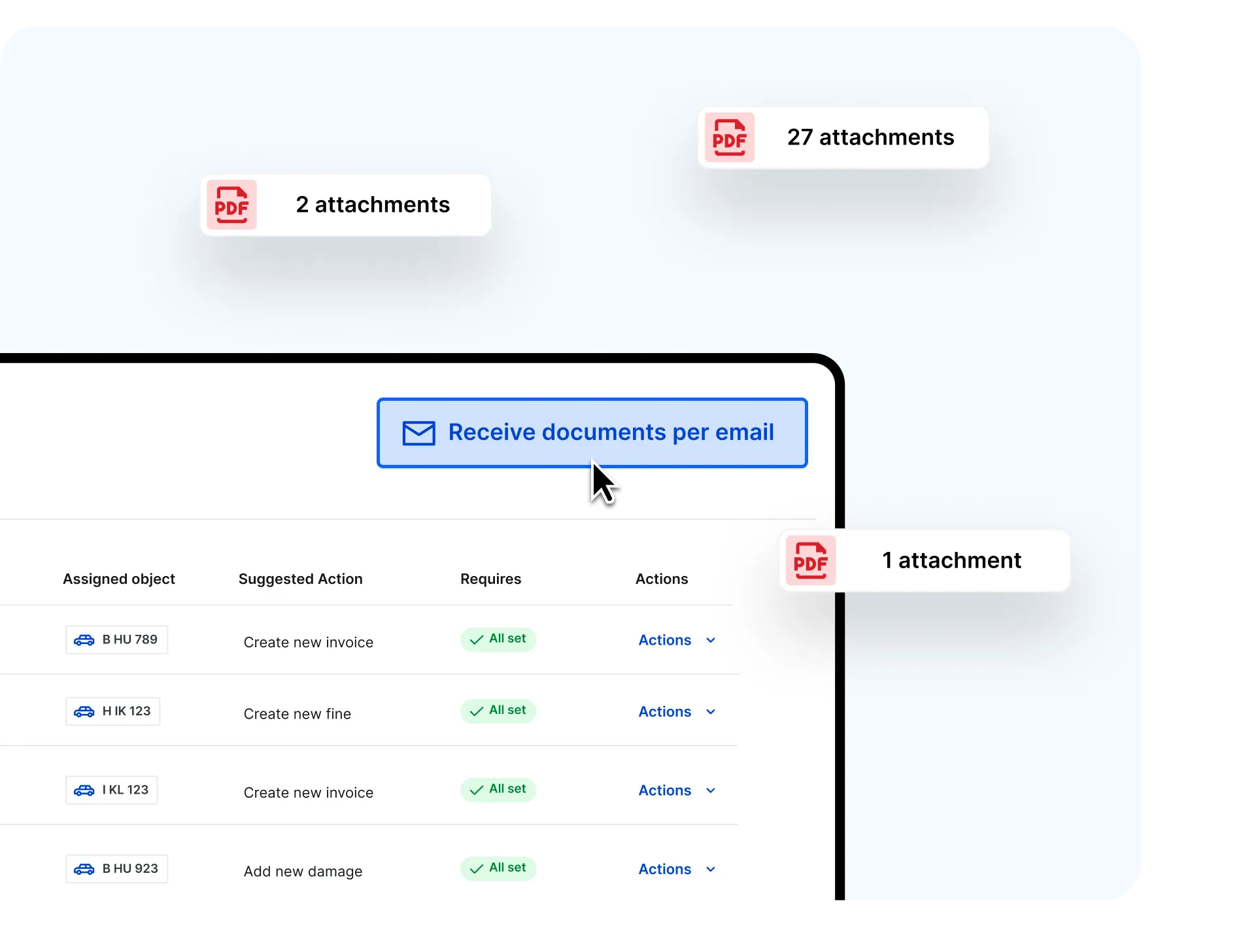
Receive documents via email
Choose an email address to receive fleet documents directly as attachments.
Automatic email attachment upload
Attachments are automatically forwarded into Avrios and processed without downloading or re-uploading.
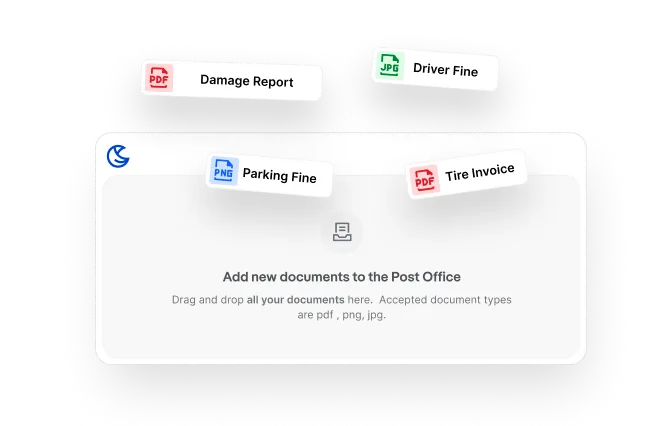
Debundling
Upload multiple documents in one file - the AI will automatically split them into individual documents.
Bulk upload
Drop everything in at once. AI will categorise and prepare your documents for review.
Detects the document type
For example fines, invoices, insurance, contracts or damage reports.
Links documents to the right place
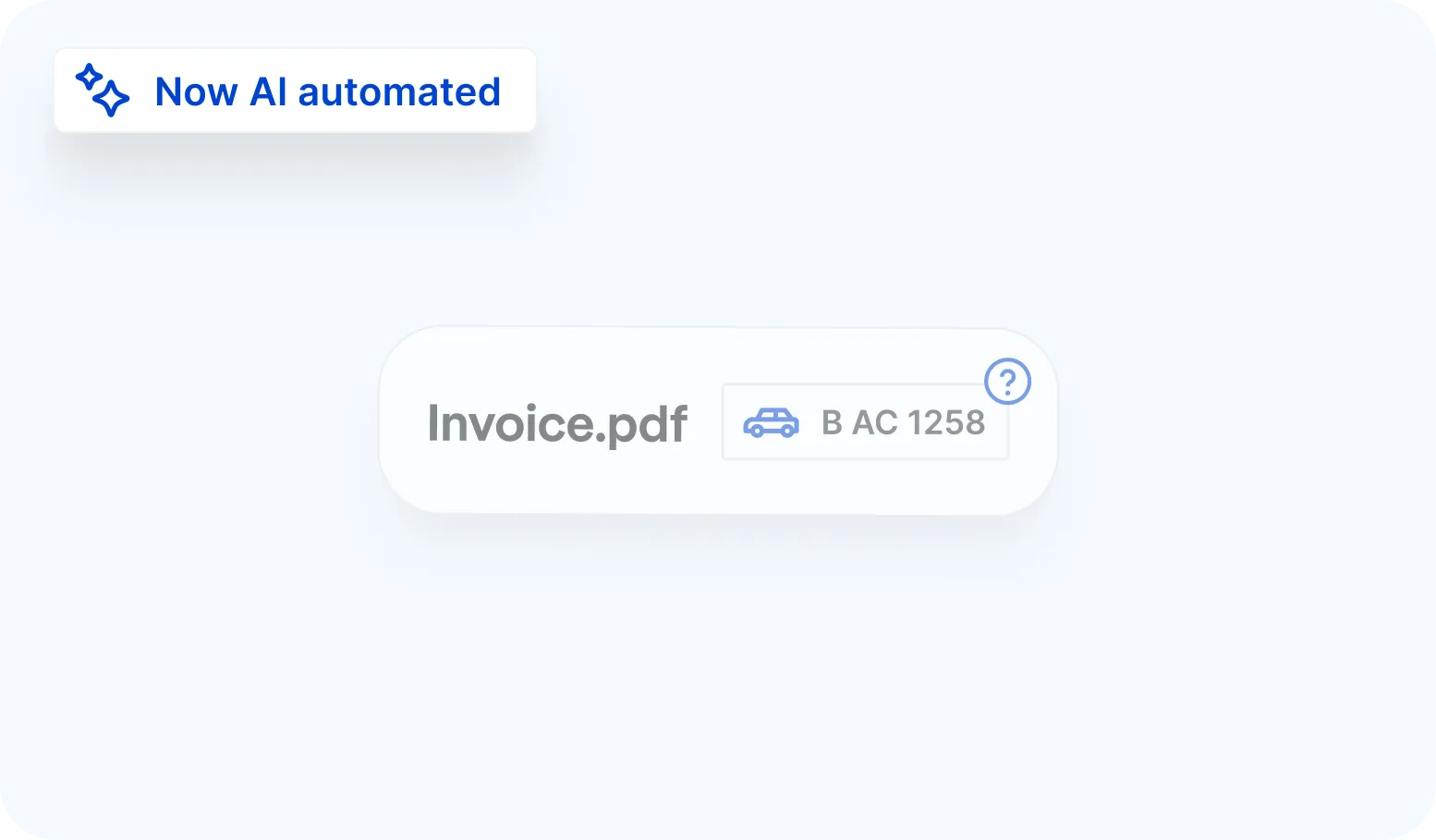
Based on available context, documents are linked to the correct vehicle, driver, damage case or task.
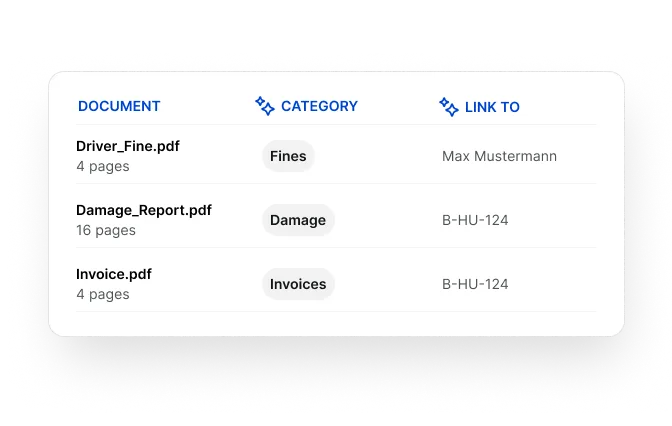
Automatic renaming
Activate automatic document naming and Avrios renames files using a clear, consistent structure.
Searchable and audit-ready
Your document library stays organised, searchable and audit-ready — without manual effort.
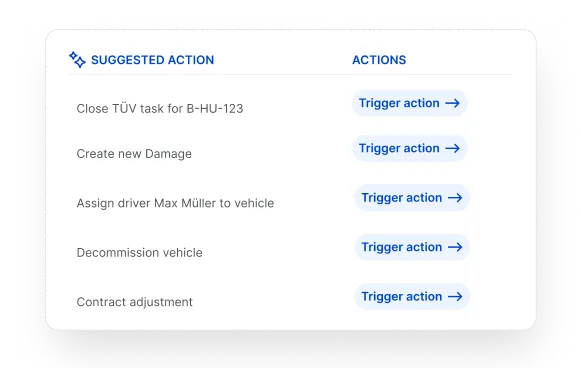
Suggested next steps
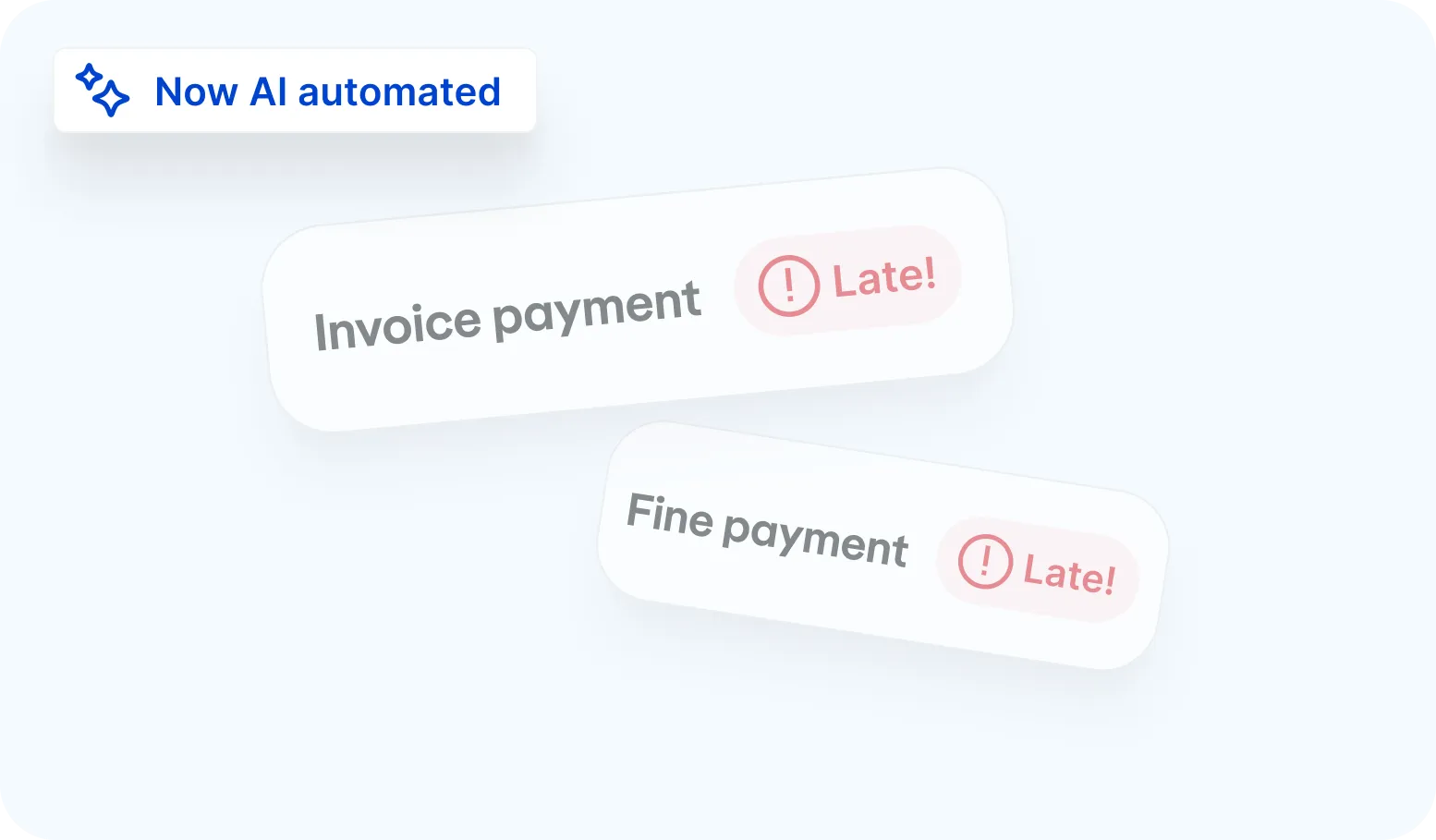
Based on the document type, the AI suggests what you can do next — for example, create a fine or an invoice.
You are in control
Adjust the category or task assignment at any time. You decide what happens with your documents.
Let us show you how automation can transform your fleet document workflow.

The AI Document Manager is available within Avrios. In Pro and Enterprise, relevant follow-up processes such as for invoices and fines are triggered automatically once a document is received.
Invoices, fines, contracts, damage reports, inspection certificates and general fleet documents as PDF, PNG or JPG.
Yes. Upload entire batches or bundled files and the system automatically separates and processes each document.
No. Automation prepares and assigns documents for you, but you decide what happens next. You can review, adjust or approve suggestions at any time.
Avrios analyses the document content and available fleet data to recognise the document type and link it to the correct vehicle, driver or case automatically.
When documents are sent to your dedicated Avrios email address, attachments are automatically forwarded into Avrios, processed and categorised without manual upload.
Yes. All documents are stored in a structured, searchable and traceable way, helping you maintain transparency and compliance across your fleet operations.
Yes. Avrios processes and stores data securely and in accordance with GDPR requirements.